Deep-rooted character.
A full-bodied pulse, a low idle, and a climb through the revs. Start with the familiar character of an eight-cylinder engine.
ENGINE SOUND. REIMAGINED.
The character of an engine. The simplicity of an app. Explore 50 engine sounds that respond to how you drive.
iPhone & iPad · Free to download
01 /THE SOUND COLLECTION
From a deep V8 pulse to a high-revving V12. Every pack has its own rev range, idle and virtual gear ratios.
A full-bodied pulse, a low idle, and a climb through the revs. Start with the familiar character of an eight-cylinder engine.
A different rhythm for the same road. Explore ten-cylinder sounds and a higher-revving personality.
Twelve-cylinder character, from the first idle to the upper rev range. A different way to soundtrack an everyday journey.
V6, inline-four, inline-six, boxer, rotary, diesel, motorcycle, bus and truck sounds. Explore the full library in the app.
FREE: SIMULATION + 3 ENGINE SOUNDS · PRO: DRIVE MODE + THE FULL 50-PACK LIBRARY
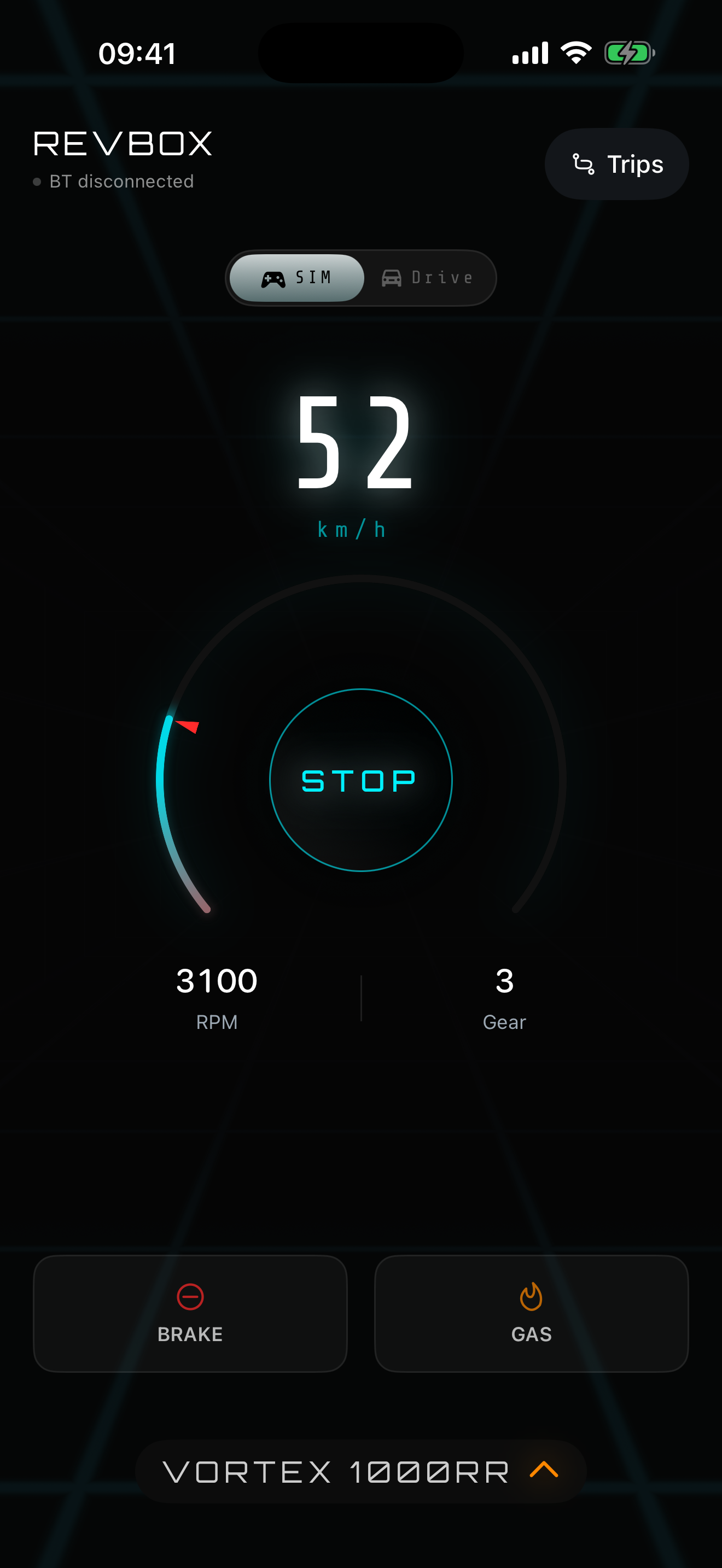
SIMULATION MODE / ACTUAL APP SCREEN
02 /FROM PHONE TO DRIVE
Start in Simulation mode. Use the on-screen gas and brake pedals to get a feel for your virtual engine while parked.
Use USB audio, a CarPlay connection over USB, or AUX for the lowest delay. REVBOX plays audio through the connection; it does not add a native CarPlay dashboard.
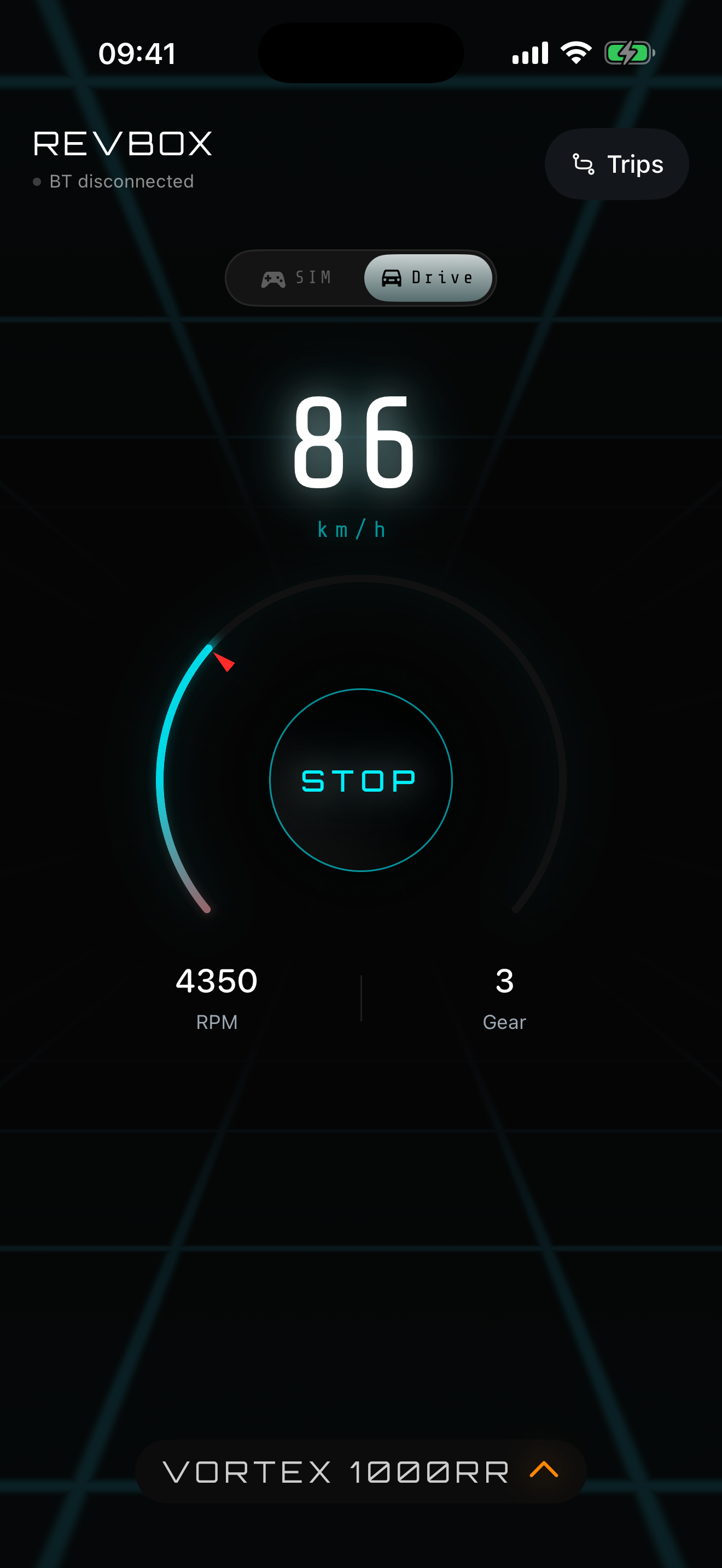
With Pro, GPS and motion sensors estimate speed and acceleration. The virtual gearbox responds with rev changes, shifts and kickdowns. No OBD adapter or REVBOX hardware needed.
REVBOX estimates vehicle motion, not your physical pedal position. Some cars buffer Bluetooth audio by 1–3 seconds. Set up your sound before driving.
03 /MORE THAN A SOUND
Your routes, your progress, and a collection that grows with you.
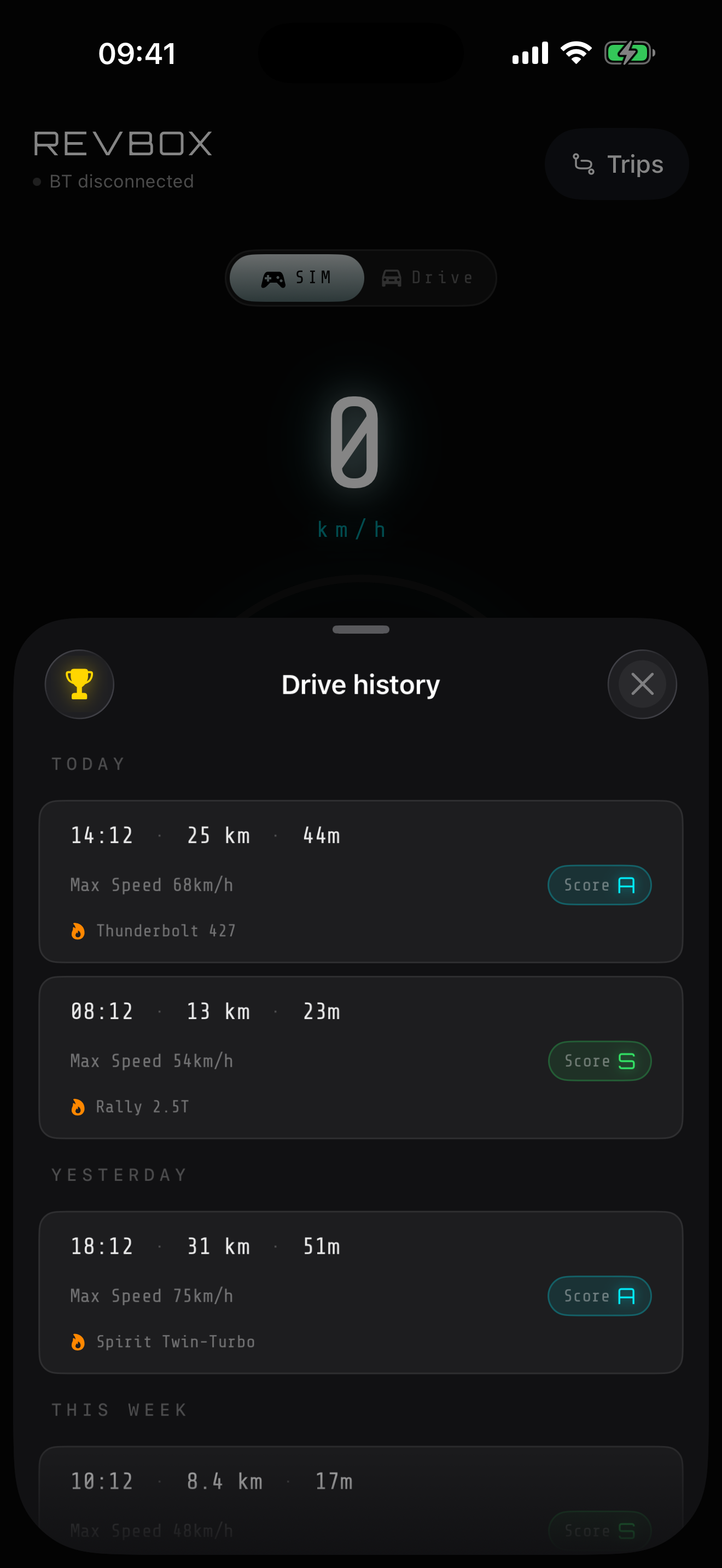
01 / TRIPS
See distance, route, top speed and driving score in a personal driving journal stored on your device.
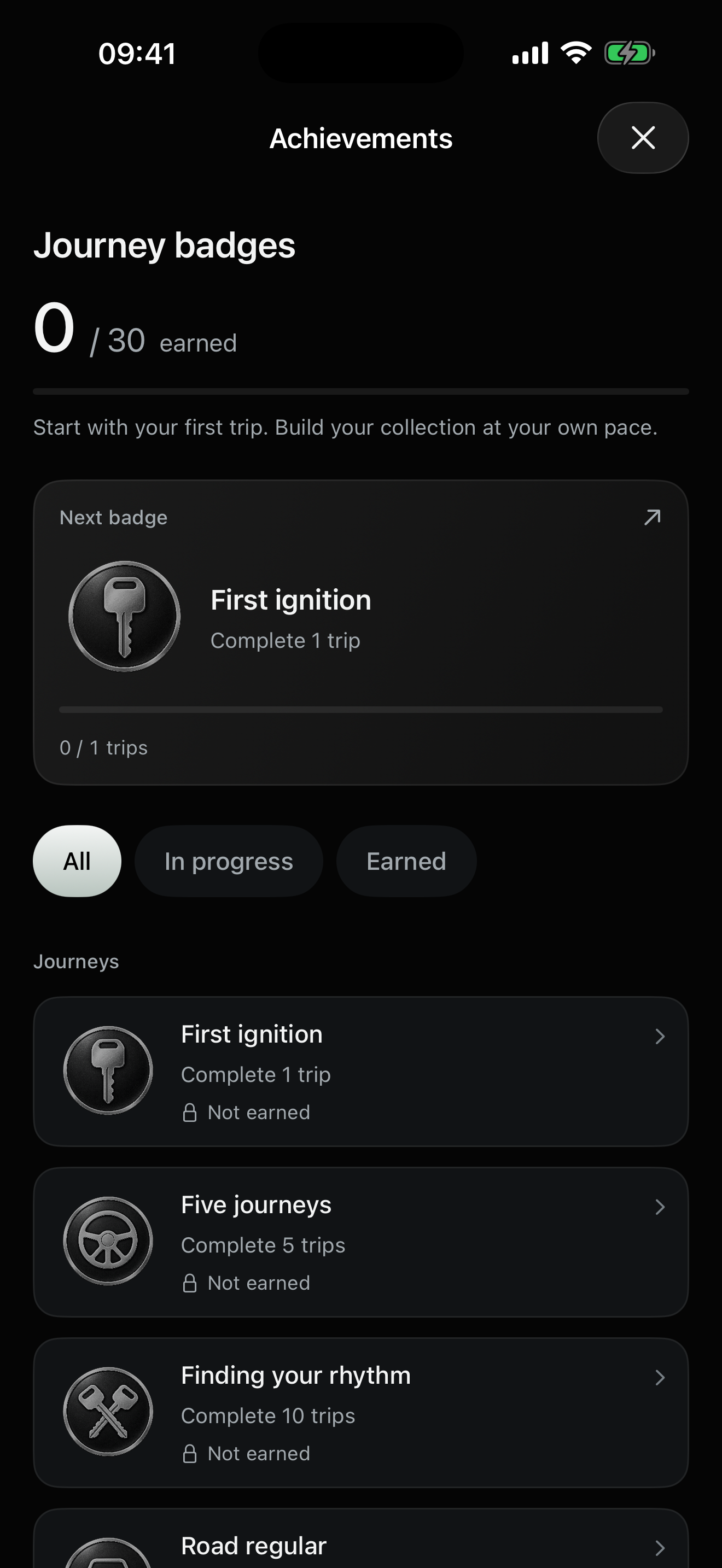
02 / ACHIEVEMENTS
Work your way through 30 achievements and unlock more engine sounds along the way.
Your trips stay on your device. No account required.
04 /REVBOX PRO
Start for free.
Simulation mode + 3 engine sounds.
Upgrade in the app when you are ready.
FLEXIBLE
$9.99/ month
Billed monthly. Cancel anytime.
THE YEAR AHEADRECOMMENDED
$49.99/ year
A full year of REVBOX Pro.
MAKE IT YOURS
$69.99once
One payment. No renewal.
Prices shown in USD. Local prices and available plans are displayed in the App Store and may vary by region. Purchases are made inside the app through your Apple Account. Monthly and annual subscriptions renew automatically unless canceled at least 24 hours before the current period ends. Manage subscriptions in your Apple Account settings. Terms · Privacy
REVBOX is an engine sound app for iPhone and iPad. It combines a library of 50 engine sounds with a virtual gearbox, a parked Simulation mode and a Pro Drive mode that responds to estimated vehicle motion.
No. REVBOX uses the GPS and motion sensors already in your phone. You do not need an OBD adapter or a REVBOX device. To hear it through your car speakers, connect your phone to your car audio system.
No. REVBOX estimates speed and acceleration using GPS and phone motion sensors. It uses that estimate to drive a virtual engine and gearbox. It does not read the car’s physical accelerator pedal or engine telemetry.
A wired connection is best for keeping delay low: USB audio, CarPlay audio over USB, or an AUX cable. Bluetooth can add 1–3 seconds of delay in some cars. REVBOX plays through your audio connection; it is not a native CarPlay dashboard app.
The free app includes Simulation mode and three engine sounds. Pro unlocks Drive mode and the full 50-sound library. Choose monthly, annual or a one-time lifetime purchase where available. Check the app for your local price and available plans.
Trips and location are processed and stored on your device. REVBOX does not require an account. Anonymous diagnostic events may be sent; the Privacy Policy explains these separately from your driving records.
READY WHEN YOU ARE
Download REVBOX and start with three free sounds.
iPhone & iPad · Free to download